
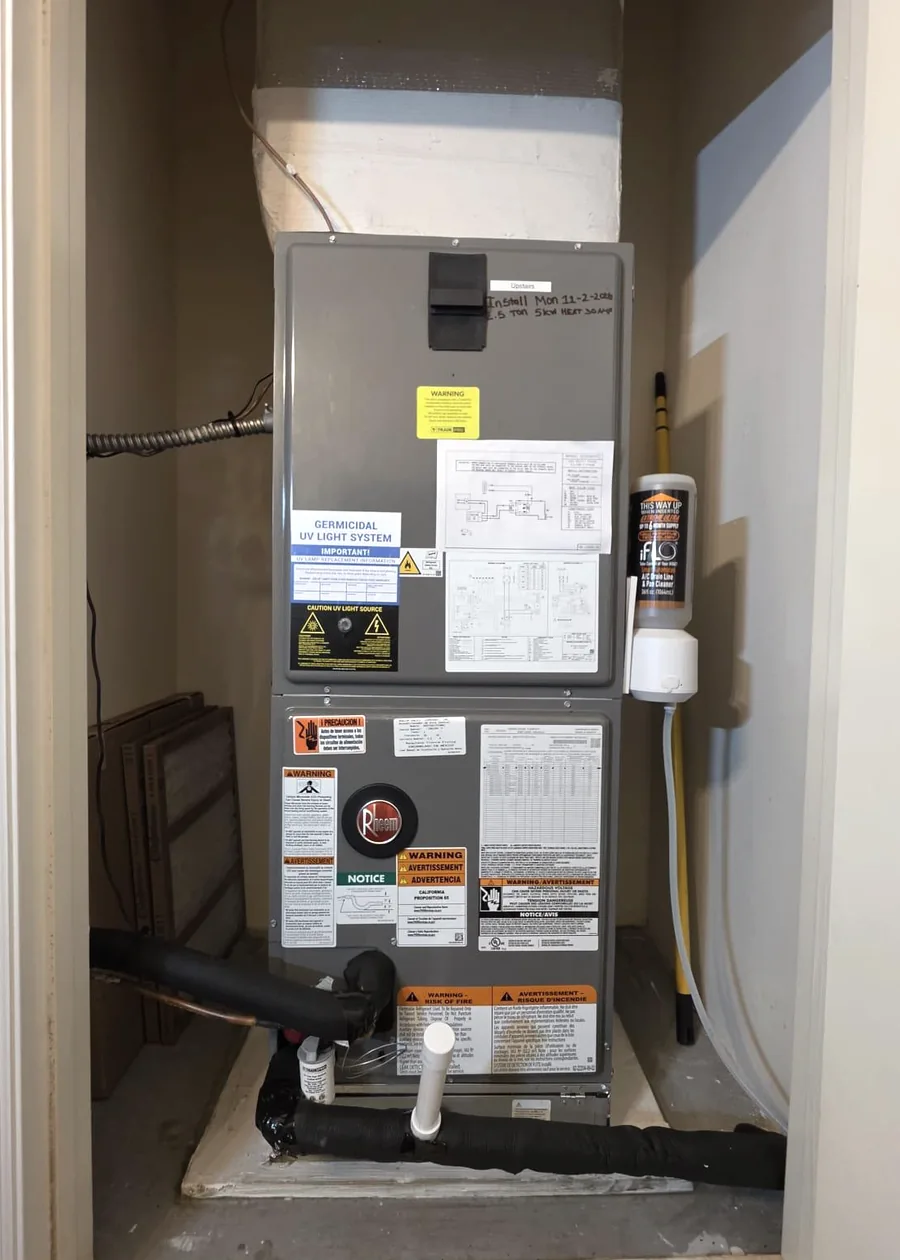
A cool Tampa Bay weekend is a good time to test your heat
For November 28–29, 2026, the National Weather Service’s Friday forecast put Saturday’s high near 66°F at Tampa International Airport, with overnight lows in the upper 50s and temperatures starting to ease back up on Sunday. If you’ve been using the AC, try a heating cycle while you’re home and have time to notice how it runs.
1. Set the thermostat to Heat
Set the thermostat to Heat and raise the target a degree or two above the current room temperature. Give the equipment a few minutes to respond. Some systems delay startup after a mode change.
If you have a heat pump, raising the setting several degrees at once can bring on backup heat on some thermostats. For help reading AUX or understanding a defrost cycle, see our heat pump temperature guide.
2. Check your filter and vents
Check the filter if it’s accessible without opening an equipment service panel. Replace a dirty disposable filter with the size and type your system calls for. If it’s washable, follow the manufacturer’s instructions. Move any rugs or furniture blocking supply vents or return grilles.
If one room stays cold while the others warm up, note which room and whether air is moving at its vent. If several rooms have weak airflow, tell the technician that too.
3. Watch whether the room warms up
Compare the room reading with the setting on the thermostat. A heat pump’s supply air can feel less hot than furnace air. The room temperature tells you whether the system is making progress.
If the home keeps cooling while the thermostat calls for heat, note the room temperature, set temperature, and any message or code on the display.
What if the thermostat is set to Heat and nothing happens?
Confirm that the set temperature is above the room reading and give the system time to start. Check the batteries if the thermostat uses them and the screen is blank. If the system still won’t start, or the blower runs without warming the home, keep the equipment panels closed and request a diagnosis.
When you call, tell us whether you heard the system start, felt airflow, or saw a thermostat alert. Call Weather Tech Services at (813) 833-9629.